

Issue #9
Cognitive Load: The Hidden Cost of Complexity 💭
This post is a little longer than usual because we’re diving into a topic that’s quietly sabotaging your productivity, your team dynamics, and possibly your sanity.

Welcome back, developrrrs! 👋 This post is a little longer than usual because we’re diving into a topic that’s quietly sabotaging your productivity, your team dynamics, and possibly your sanity. Ever wondered why your brain feels like it’s running a marathon while juggling flaming bowling pins? (Spoiler: it’s not just caffeine withdrawal or that legacy codebase that haunts your dreams.) We’re talking about cognitive load—the silent productivity killer that’s costing you more than just neurons.
You’re not alone if you’ve felt this creeping mental exhaustion, and I’ll bet your team feels it, too. By the end of this post, you’ll know why this happens, how it impacts your work, and—most importantly—what you can actually do about it. This one’s packed, so grab a coffee, and let’s dive in before you mentally blue-screen.
🤿 Deep Dive
Listen, we need to talk about that mental fog you feel by 3 PM. You know, when you’re juggling three different authentication systems, trying to remember if it’s camelCase or snake_case for this particular microservice, and wondering why the staging environment suddenly thinks it’s in a different time zone. That’s not just Monday blues or caffeine withdrawal – it’s cognitive load, and it’s probably costing your team more than that enterprise software subscription no one uses.
According to research from GitHub’s 2023 State of the Developer Report, developers switch context on average 13.3 times per day. Each switch comes with its own mental setup cost, like rebooting your brain’s operating system. And just like your laptop after too many Chrome tabs, performance starts to suffer.
🤔 Why Should You Care?
High cognitive load isn’t just annoying – it’s a productivity killer. When your brain is juggling too many tasks, you’re more likely to make mistakes, miss deadlines, and feel frustrated. According to research from GitHub’s 2023 State of the Developer Report, developers switch context on average 13.3 times per day. Think about how this impacts your daily work:
-
Debugging: Ever spent hours tracking down a bug, only to realize you were looking in the wrong service the whole time? That’s cognitive load, making it harder to hold the entire system in your head.
-
Code Reviews: When you’re mentally exhausted, catching subtle issues or thinking through edge cases is much harder.
-
Team Collaboration: The more cognitive overhead you’re dealing with, the harder it is to effectively communicate technical concepts to teammates or participate meaningfully in architecture discussions.
🍦 The Three Flavors of Brain Drain
Cognitive load comes in three delightful varieties (psychology folks call them “types,” but I’m hungry, so we’re going with flavors):
-
Intrinsic Load: The actual complexity of the task at hand. Think algorithms, system design, or explaining to non-tech folks why the printer isn’t working. This is the good kind of mental workout – like going to the gym for your brain.
-
Extraneous Load: The unnecessary mental overhead from poor tools, processes, or interfaces. It’s like trying to solve a puzzle while someone keeps reorganizing the pieces. According to the DevOps Research and Assessment (DORA) team, developers in high-performing organizations spend 33% less time on these tasks than their peers.
-
Germane Load: The mental effort of creating and storing new mental models. This is your brain building those precious schemas that turn complex problems into “Oh yeah, I’ve seen this before” moments.
⚰️ Where Your Brain Cells Go to Die
Let me share some common scenarios where our precious brain cells meet their untimely demise:
The Legacy Code Labyrinth 🏰
Ever opened a file with 2,000 lines, no comments, and variable names like temp1, temp2, and the mysterious x3? That’s cognitive load at its worst. This is where brain cells go to get hopelessly lost in a maze of spaghetti code, never to be seen again. When tasked with fixing bugs in legacy code, developers spend up to 58% of their time just trying to understand what the code does (according to a study in IEEE Software). A moment of silence for all the neurons sacrificed while trying to make sense of mysterious variable names.
Tool Overload 🛠️
According to the State of Developer Experience 2024 report, developers manage an average of 14 different tools. Each with its own quirks, shortcuts, and authentication methods. I once counted how many different passwords I needed in a day: 13. That’s not security, that’s torture. Every time you context switch between tools, a small cluster of brain cells throws in the towel and retires early.
The Configuration Conundrum 🤯
We’ve all been there – staring at a wall of YAML files, trying to figure out which environment variable override in which file is causing production to behave differently than staging. It’s like playing a particularly frustrating game of Where’s Waldo, except Waldo is a misplaced quotation mark. Each indentation level is another step toward cognitive bankruptcy.
These aren’t just annoyances – they’re active brain cell assassins, making it harder for us to focus on the actual problems we’re trying to solve. Let’s explore how to save our remaining brain cells with some actionable strategies…
🧠 Actionable Strategies to Save Your Brain
1. Documentation That Actually Helps
-
Create a “Start Here” guide for each project
-
Document WHY, not just WHAT
-
Keep a team decision log (because future you will question past you’s decisions)
-
Use diagrams for complex systems (a picture is worth 1,000 lines of code)
-
Implement a single source of truth for documentation
2. Automate Everything That Can Be Automated
-
Build templates for common tasks
-
Create scripts for environment setup
-
Implement git hooks for standard formatting
-
Use CI/CD pipelines that handle the heavy lifting
-
Automate code reviews for style and basic quality checks
-
Set up automatic dependency updates
3. Standardize Everything You Can
-
Consistent project structures
-
Naming conventions (and enforce them with linters)
-
Code formatting rules
-
PR templates
-
Deployment processes
-
Error handling patterns
-
Logging formats
4. Create Clear Defaults
-
Opinionated starter templates
-
Standard library choices
-
Default security configurations
-
Common testing patterns
-
Monitoring setups
5. Build Better Mental Models
-
System architecture diagrams
-
Service dependency maps
-
Regular architecture review sessions
-
“This is how it works” documentation
-
Semi-monthly retrospectives
-
Knowledge-sharing sessions
🌟 Success Stories
A recent platform engineering success story from the 2024 State of DevOps Report shows that teams with standardized platforms saw a 42% improvement in development speed and a 60% improvement in system reliability.
Another team I worked with implemented “Documentation Fridays” – dedicating the last hour of every Friday to updating docs and sharing knowledge. Within three months, their incident response times dropped by 40% because people could actually find the information they needed.
The Bottom Line
Your brain is your most important development tool, and like any tool, it has capacity limits. The best developer experience isn’t about eliminating complexity – it’s about managing it intelligently. Start measuring cognitive load like you measure other metrics. Watch for signs of mental fatigue in your team, and remember: a confused developer is rarely a productive one.
Want to start somewhere? Here’s your action plan:
-
Pick one process that consistently causes headaches for your team. Maybe it’s your local development setup that requires 15 manual steps or your PR process that somehow always results in merge conflicts.
-
Spend 30 minutes mapping out the current process. Where are the pain points? What steps could be automated or simplified?
-
Implement one small improvement. Don’t try to boil the ocean – pick something achievable. Maybe it’s creating a setup script or implementing automated code formatting to prevent style discussions in PRs.
-
Share your improvement with the team and gather feedback. What worked? What didn’t? What should be next?
Remember, reducing cognitive load is like paying down technical debt – small, consistent improvements compound over time into significant gains.
Speaking of cognitive load, we’re diving deep into the fascinating world of local development environments next week. You know, that place where “it works on my machine” is a daily mantra, and Docker Compose files multiply like rabbits. Trust me, you won’t want to miss this one – especially if you’ve ever spent an entire day just trying to get your development environment to run. We’ll explore how to turn the chaos into calm. Until then, remember to occasionally close some of those mental Chrome tabs!
Stay mentally uncluttered! 🧘♂️
Powered by coffee ☕️ and an increasingly full mental cache
📊 Stat
28% of Developers Spend a Day or More Building and Testing Artifacts
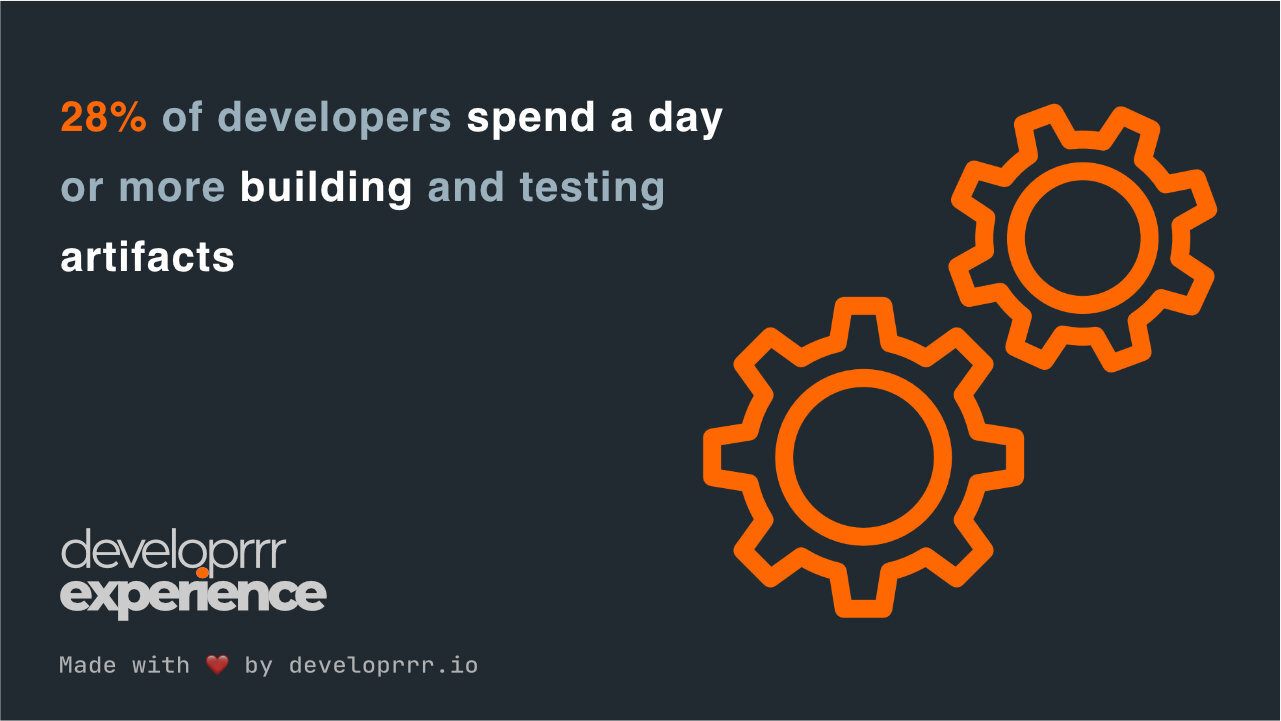
The State of Developer Experience 2024 found that 28% of developers spend at least a full day building and testing artifacts. This time-intensive process often stems from outdated workflows and insufficient automation, contributing significantly to cognitive load. Modernizing build pipelines and adopting automated testing can drastically reduce this burden.
💡 Key Insight: Streamlining artifact creation can save teams hundreds of hours annually, boosting productivity and reducing stress.
📌 Essential Reads
📈 HTEC Launches Developer Experience ROI Calculator and Webinar Series on Engineering Effectiveness. HTEC has introduced a new DevEx ROI calculator designed to help organizations measure the return on investment in developer experience initiatives. Accompanying this tool is a webinar series focused on engineering effectiveness, aiming to provide insights into optimizing developer workflows and productivity.
💡 Improving Developer Experience Drives Profitability. This New Stack article defines developer experience as how developers feel about, think about, and value their work, suggesting that improving this experience can drive profitability.
♟️ 7 Reasons Why Developer Experience Is a Strategic Priority. The New Stack outlines why developer experience has become central for market-leading engineering teams, particularly for backend engineers working in cloud-native microservices environments.
🛠️ Tools
-
Hocus is an open-source development environment automation tool that provides instant, reproducible developer environments directly in the cloud.
-
Act is an open-source project for running GitHub Actions locally to debug and test workflows without pushing commits.
-
OpenReplay is an open-source session replay tool for debugging and optimizing user experiences by visualizing frontend issues.
Get the next issue on Thursday
5-minute weekly reads showing how top engineering teams solve their biggest DevEx challenges and reduce burnout.
Subscribe for freeDelivered every Thursday. Trusted by 3,000+ engineers at companies like Stripe, Google, and Netflix.